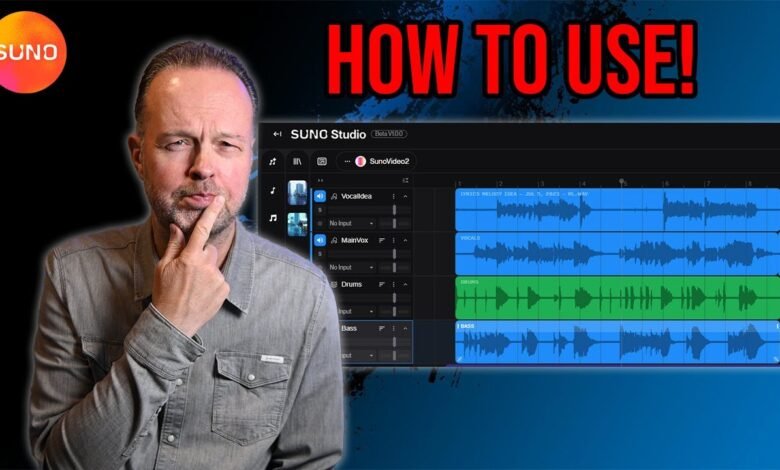
How To Write Music In Your Language On SUNO AI Music
As AI-generated music continues to grow in the modern world, many creators are now exploring how to write songs using AI tools in their own languages. This trend has slowly entered the mainstream, with some well-known artists already benefiting from it. SUNO is at the forefront of this movement, offering an easy-to-use platform where users can prompt songs in almost any style or genre.
Despite its strengths, AI music still has clear weaknesses, especially in language and pronunciation. Mispronounced words can quickly expose the use of AI, as seen in incidents like the “Ichupu” or “Kupu” mistake in a celebrity’s song. These errors often occur because AI struggles to correctly pronounce vernacular words, making the vocals sound unnatural or foreign.
To achieve smoother and more natural SUNO vocals, creators often manipulate words phonetically. This involves spelling words the way they sound rather than how they are written. For example, instead of writing “motor car” in Bemba or Chinyanja, one might write “More Tall Car” to guide the AI toward a more local pronunciation. This playful approach helps AI-generated music sound more authentic, original, and culturally grounded.
Yo Maps || Lwambo SUNO Reggae Cover Mp3 Download